Trinidad and Tobago eVisa. Application, fees and photo requirements

If you're planning a short trip to Trinidad and Tobago, you may need to apply for an eVisa before travelling. Find out how to apply, which documents you need, and what photo requirements to follow. You'll also learn how to complete the free online Arrival/Departure Card, which is mandatory for everyone entering or leaving the country.
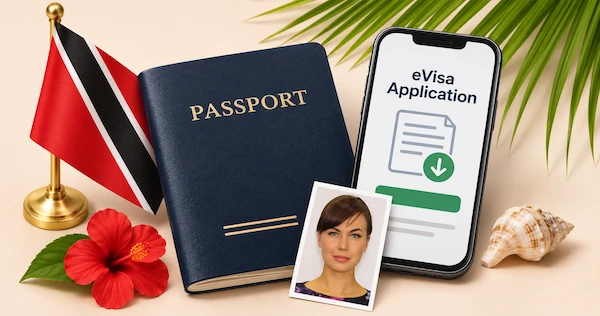
Table of contents
- Who needs an eVisa for Trinidad and Tobago?
- Trinidad and Tobago eVisa requirements and documents
- Trinidad and Tobago eVisa photo requirements
- Get your Trinidad and Tobago eVisa photo online with Visafoto
- How to use the Trinidad and Tobago eVisa photo checker
- How to apply for a Trinidad and Tobago eVisa online
- Trinidad and Tobago eVisa fee, processing time and validity
- Trinidad and Tobago online Arrival/Departure Card
- Frequently asked questions
Who needs an eVisa for Trinidad and Tobago?
Visa requirements depend on the passport you will travel with and what you plan to do in the country. The visitor eVisa covers temporary trips such as holidays, family visits and eligible short business visits. For work or study, check the requirements for the relevant activity before applying.
Ordinary U.S. passport holders can visit as tourists without a visa for up to 90 days.
The same tourist exemption applies to ordinary Canadian and full British citizen passports. Australian passport holders need an eVisa for a visit. The Immigration Division links to a visa-exemption list from its visa services page. If your country is missing from that list or you travel on a special passport or travel document, confirm the rule for your trip with the Immigration Division at immigration.visas@gov.tt.
Trinidad and Tobago eVisa requirements and documents
Before you open the application, check that your passport will be valid for at least six months from your intended travel date. Have a working email address and a Visa or Mastercard credit or debit card ready.
Have these files ready when you start the form.
- Passport biodata page. Scan or photograph the page showing your picture and passport details. Save a clear copy as a PDF.
- Digital visa portrait. Prepare a recent passport-style photo and save it as a JPEG for the separate photo upload field.
- Evidence of your travel plans. The form may ask for a return ticket, hotel booking or private accommodation details, and proof of funds. If it asks for a letter from your host or the company you are visiting, include the purpose of your visit and the host's address and contact details. If it asks for an employment letter, use one dated within the last three months.
- Documents for a child. Be ready to provide the child's birth certificate and the parent or legal guardian's passport biodata page, along with any relevant custody or guardianship documents.
The online form tells you which supporting documents to upload. Save each as a PDF of 450 KB or less. The portal allows up to 20 supporting files per application. If you compress a scan, reopen it to check that names, dates and passport numbers are still readable.
Trinidad and Tobago eVisa photo requirements
Use a sharp colour portrait taken in the last six months. The Immigration Division's application checklist calls for a JPEG, and the eVisa portal lets you check the image before you start the form.
Trinidad and Tobago eVisa photo size and file format
| Photo specification | What to upload |
|---|---|
| File type | JPEG (.jpg), as requested by the Immigration Division's checklist. The portal FAQ also lists PNG and BMP. |
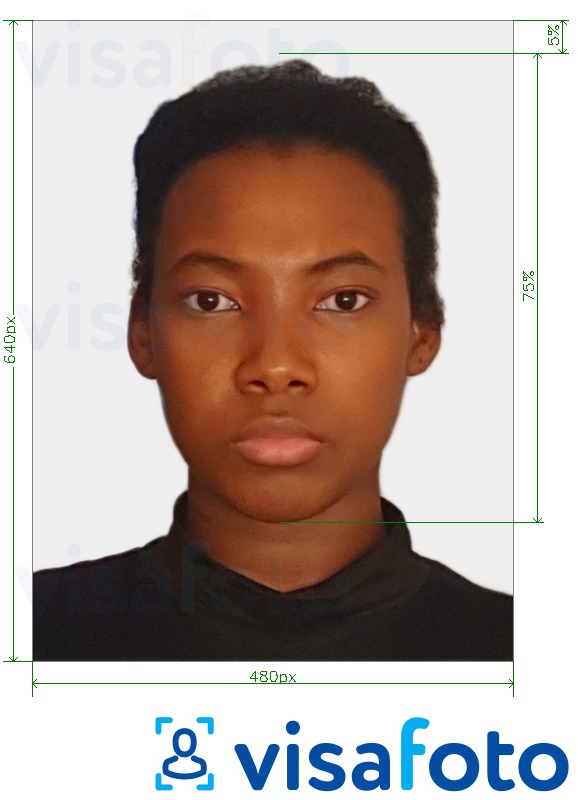
| Minimum dimensions | 480 pixels wide × 640 pixels high |
| Maximum dimensions | 4,800 pixels wide × 6,400 pixels high |
| File size | 15 to 7,584 KB |
The Visafoto eVisa preset produces a 480 × 640 pixel JPEG at the minimum dimensions the portal accepts. Check the file size separately before uploading. If you are starting with a small or blurry image, taking a new shot will give you a clearer result than enlarging it.
What the photo should look like
Frame your head and upper shoulders. Face the camera directly with your head level, eyes open and mouth closed. Keep both sides of your face visible, and make sure you are the only person in the frame. The finished photo should have a plain, light-coloured background and even lighting, without shadows, glare or red eye.
If you wear clear glasses, keep your eyes visible and check that the lenses show no reflections. Avoid tinted lenses and frames that cover your eyes. If you need to wear a head covering for religious, medical or cultural reasons, confirm the applicable exception with the Immigration Division and keep your face fully visible.
Get your Trinidad and Tobago eVisa photo online with Visafoto
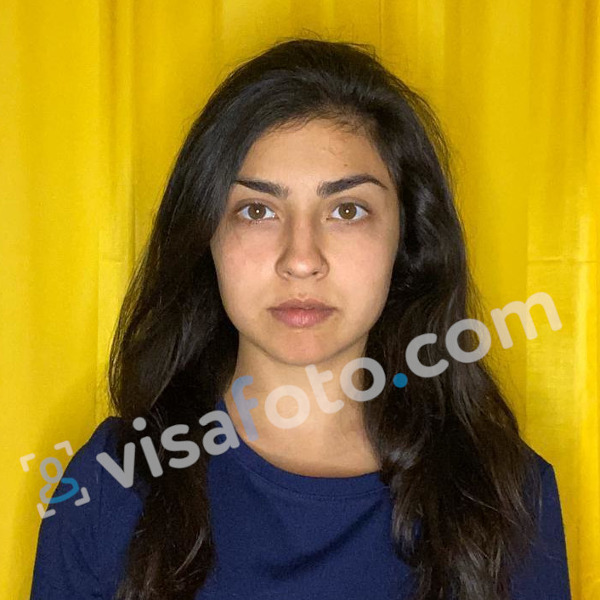
Take a fresh photo with your phone or camera at home. Hold the camera at eye level, look straight ahead and leave space around your head and shoulders for cropping. You can take the source photo against any background. Visafoto can replace it with a plain background, improve lighting and contrast, and adjust the crop while preserving your facial features.
In Visafoto, choose Trinidad and Tobago and select Trinidad and Tobago e-visa 480x640 pixels. Upload your photo and preview the result. Download the digital file, check that the JPEG is between 15 and 7,584 KB, and test it with Check Your Photo before you submit the visa application.
Here is an example of a source photo you can upload:
Result from Visafoto:
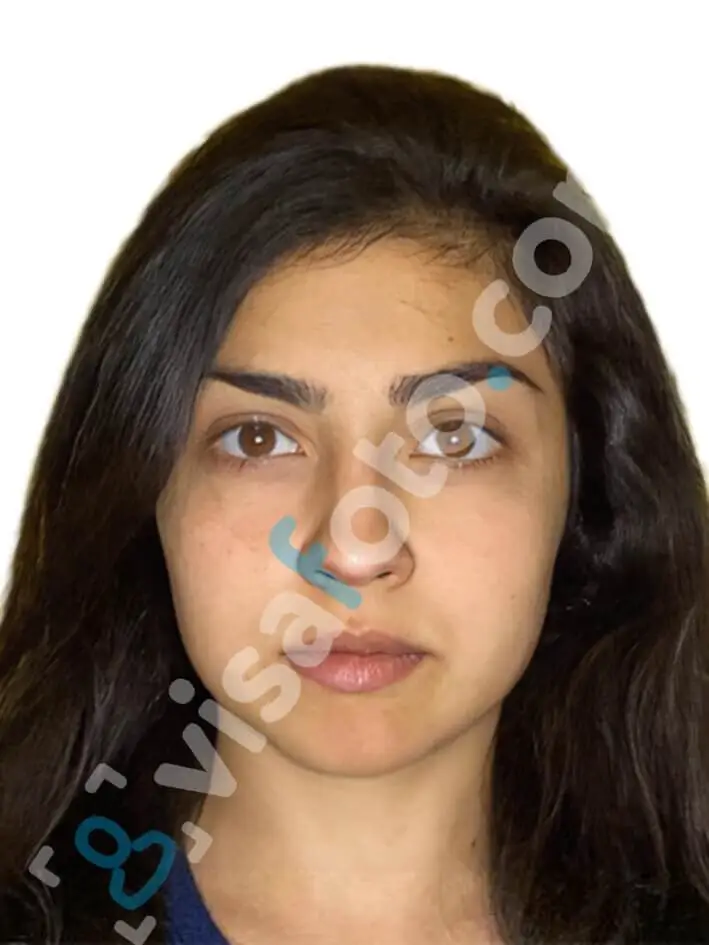
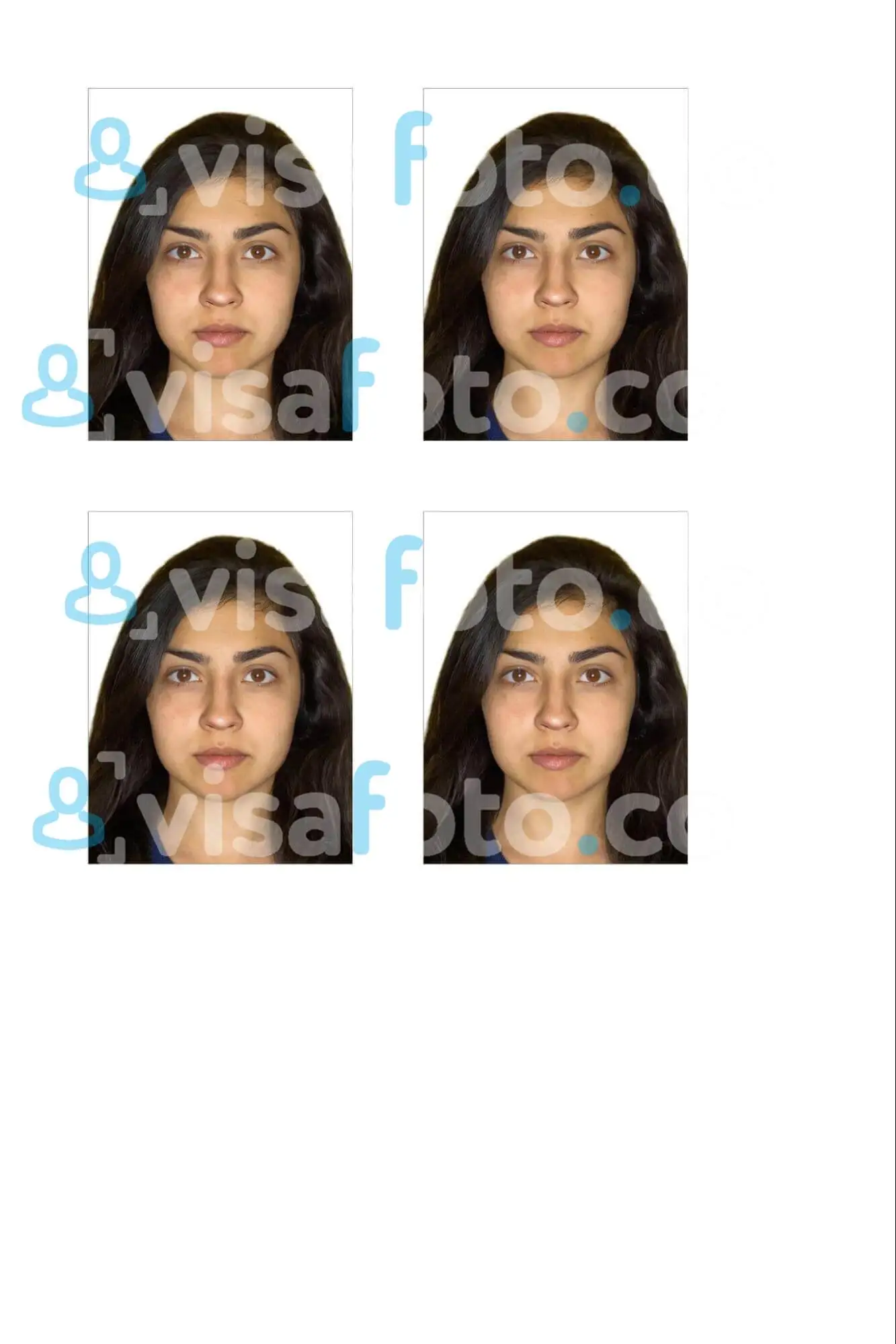
If you need help with the source photo or the finished crop, contact Visafoto's 24/7 support team. A specialist can review your case and explain what to adjust. If the Immigration Division rejects a photo you purchased from Visafoto, you can request a 100% refund of the photo purchase.
How to use the Trinidad and Tobago eVisa photo checker
From the Immigration Division's visa services page, select Apply For eVisa to open the portal. On the portal home page, choose Check Your Photo and select your finished JPEG. Read the result before opening Apply For Visa. Keep the final file handy so you can upload it to the application itself.
If the checker flags a problem, inspect the photo at full size. Check for a tilted head, a cropped chin, hair covering an eye, lens glare or a shadow on the background. For a file error, check the extension, pixel dimensions and file size. If the photo looks suitable and the checker still flags it, try a fresh photo. For a persistent error, email immigration.visas@gov.tt to ask whether you should apply in person. The Immigration Division can ask for a new portrait when it reviews the application.
How to apply for a Trinidad and Tobago eVisa online
- Start the application. Open Apply For eVisa from the Immigration Division's visa services page. On the portal, choose Apply For Visa and answer the eligibility questions.
- Enter your personal and travel details. Copy your name and passport number exactly as they appear on your passport. Enter your intended arrival date, purpose of visit and planned length of stay.
- Upload your photo and supporting documents. Choose the portrait in Upload Photo and add the passport biodata page and other PDFs in Upload Documents.
- Review the form and follow the payment instructions. Check the spelling of your name and all dates before submitting. If the Immigration Division emails you a payment request, use Pay Visa Fees with the details in that email.
- Save your application number. Find it in the confirmation email. Keep your payment receipt and use Track Application on the portal to check progress.
- Download your visa when approved. The decision arrives by email. If approved, the eVisa is attached. Save it offline and carry a printed copy with the passport you used to apply.
If you need more time to collect documents, select Save Application. The portal downloads a saved application file. Return on the same computer, open Resume Application and select that file to continue.
Trinidad and Tobago eVisa fee, processing time and validity
The multiple-entry eVisa application fee is TT$800 and is non-refundable. That amount has been in effect since 1 January 2026. Pay online with a Visa or Mastercard credit or debit card.
For planning, allow at least 14 business days before travel and apply earlier if you still need supporting documents. The Immigration Division's online checklist gives no fixed decision time. Use your application number to track the actual progress of your case.
Check the validity dates on your approval before travelling. A multiple-entry visa lets you seek entry more than once during those dates. On each arrival, the immigration officer decides whether to admit you and how long you may stay. Check the authorised stay recorded at the border before making onward plans.
Trinidad and Tobago online Arrival/Departure Card
Complete the free online Arrival/Departure Card even if you already have an eVisa or can travel visa-free. The online form replaced paper cards on 17 March 2026. For each arrival or departure, you can fill it in during the 72 hours before travel. Have your passport, a JPEG or PNG copy of its biodata page, your email address and your travel details, such as your flight information, ready.
Save the receipt with its two QR codes and have it ready for Immigration and Customs. A saved copy on your phone or a printout makes it easy to present at the border. If you needed a visa, keep the eVisa approval available too.
Frequently asked questions
Can I apply for a Trinidad and Tobago eVisa if I already have an application pending?
Use Track Application to check the existing request. The portal allows a new application once you no longer have one in progress. Contact the Immigration Division if an existing application is blocking a new travel plan.
Can I correct my passport number after submitting and paying?
The portal locks the form once you have submitted and paid. If you spot an error, email immigration.visas@gov.tt with your application number and ask how to correct it before travelling.
Do I need a Trinidad and Tobago visa if I have Canadian permanent residence?
Use the rule for the passport you will travel with. If your passport nationality requires a visa for your trip, you still need that visa as a Canadian permanent resident.
What should I do if I can't find my eVisa confirmation email?
Check the spam or junk folder of the email account you used to apply. If you saved your application number, try Track Application. If you can't find the number or the approval attachment, contact the Immigration Division and tell them which email address you used.
How do I extend my stay in Trinidad and Tobago?
Request an appointment at least two weeks before your entry or extension stamp expires. Email extensions.north@gov.tt for Port of Spain, extensions.south@gov.tt for San Fernando, or extensions.tobago@gov.tt for Tobago. Include your full name, local address and telephone number, plus copies of your passport biodata page and most recent entry or extension record.
Last updated: 26 November 2026
