UK Railcards in 2026: a guide to cheaper train travel

A Railcard can save you a third on many train fares across Britain. This guide explains the main types, how to apply and how to prepare your photo, alongside Railcard prices in 2026.
Table of contents
- What is a UK Railcard?
- Types of Railcards
- How to get a Railcard in Great Britain
- UK Railcard photo requirements
- Get a photo for your Railcard online
- UK ID photo app
- Railcard prices in 2026
- How to use your Railcard
- Physical vs digital Railcard: what to choose
- FAQ
What is a UK Railcard?
A UK Railcard is a discount card for eligible train fares in Britain. Different cards are available for different ages and circumstances, so choose one that suits both your eligibility and your journeys.
Key features:
- Depending on the type, you can choose a physical Railcard or a digital version stored on your smartphone.
- There are options for young travellers, older passengers, families, disabled people and members of HM Forces.
- Carry your physical or digital Railcard whenever you travel on a discounted ticket, and show it to rail staff when asked.
- One-year and three-year options are available for some Railcards.
Is a Railcard only for UK citizens? No. Eligibility depends on the card, with criteria such as age, student status, disability or service in the armed forces. International students in full-time study in the UK can apply for a 16-25 Railcard with the required evidence of their student status.
Can I buy a Railcard with a foreign passport? A foreign passport can provide proof of identity and date of birth. Check the application instructions for your chosen Railcard, as you may also need evidence of eligibility.
Types of Railcards
Railcards cater for different age groups and travel needs. Compare the eligibility rules and discounts before choosing one.
The main options are listed below:
| Railcard type | Who it's for | Discount |
|---|---|---|
| 16-17 Saver | Ages 16-17 | 50% off |
| 16-25 Railcard | Ages 16-25. The main UK Railcard option for international students | 1/3 off |
| 26-30 Railcard | Ages 26-30 | 1/3 off |
| Senior Railcard (or British Railcard for pensioners) | Ages 60+ | 1/3 off |
| Disabled Persons Railcard | Eligible disabled people | 1/3 off |
| Family & Friends Railcard | Up to 4 adults, 4 children | 1/3 off adults, 60% off children |
| Two Together Railcard | Two named adults travelling together | 1/3 off |
| Network Railcard | London and south-east England | 1/3 off |
| HM Forces Railcard | Armed Forces members and spouses | 1/3 off, 60% off children |
| Veterans Railcard | UK military veterans | 1/3 off |
| Job Centre Plus Railcard | Registered jobseekers | 50% off |
| Annual Gold Card | Those with qualifying season tickets | 1/3 off |
Is there a UK Railcard for people over 30? There is no age-based Railcard for people aged 31 to 59. You may still qualify for another option, such as a Two Together Railcard or Network Railcard. The Senior Railcard is available from age 60.
Check the individual terms and conditions on the National Rail Railcards page.
How to get a Railcard in Great Britain
You can apply online or, for some Railcards, at a staffed station ticket office. Check which documents your chosen card requires before applying.
Applying online:
- Visit railcard.co.uk and select your Railcard.
- Enter your details and upload a portrait photo if required.
- Pay the fee.
- Provide any additional evidence required, such as proof of eligibility for a Disabled Persons Railcard or Veterans Railcard.
- Once approved, follow the instructions to add your digital Railcard to the relevant app before travelling.
Buying in person at a train station:
- Check that your chosen Railcard is sold at the station, then visit its staffed ticket office.
- Bring the photo and proof of identity specified for your Railcard, such as a passport or driving licence.
- Complete the application form so staff can issue your Railcard.
- Check the start date before using it. When it expires, follow the renewal instructions for your card.
UK Railcard photo requirements
Use a portrait that lets rail staff recognise you. Follow the instructions for your chosen Railcard and retailer, rather than assuming that UK passport-photo rules apply.
Accepted photo files
For applications through the official 16-25 Railcard website:
- Upload a JPG, JPEG or PNG, no larger than 5 MB and at least 300 dpi.
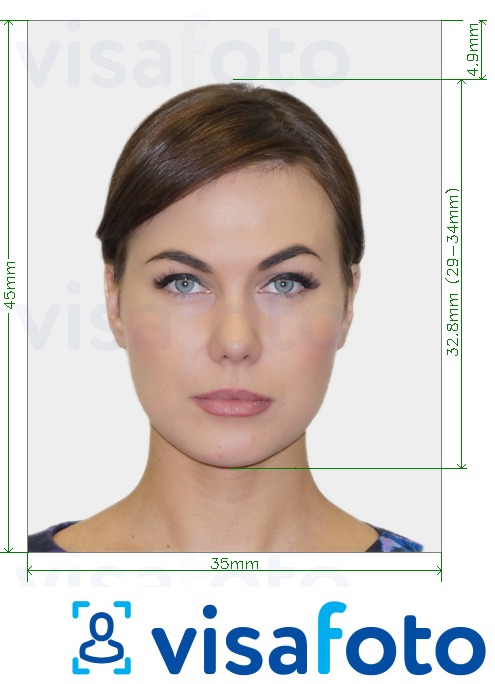
- Show your head and shoulders, with your face occupying roughly 70% of the frame.
- Keep the image sharp and your face clear of hats or hair.
- Colour is preferred, but black-and-white photos are accepted.
The official photo FAQ does not specify a 600 × 750 pixel minimum, a mandatory 35 × 45 mm digital image or a one-month age limit. These are not universal Railcard upload requirements. Check other retailers' instructions separately.
Portrait photo or identity document?
Upload a picture of yourself in the photo field, not a scan of your passport's personal-details page. If the application also asks for identity evidence, provide it separately in the appropriate field.
What should I do if my Railcard photo will not upload?
- Check that you have selected your portrait, not an identity document.
- Check the format and file size against your retailer's instructions. If necessary, export a supported file; changing the filename extension alone does not convert it.
- If processing still fails, contact the retailer's support team with the error message. An upload error does not necessarily mean that the photo itself is unsuitable.
Here's an example photo:
Get a photo for your Railcard online
Visafoto can crop and prepare a portrait for your Railcard application. The service has processed passport, visa, driving licence and other document photos since 2013 and reports a 99.7% acceptance rate across its supported documents. This is not a Railcard-specific acceptance guarantee.
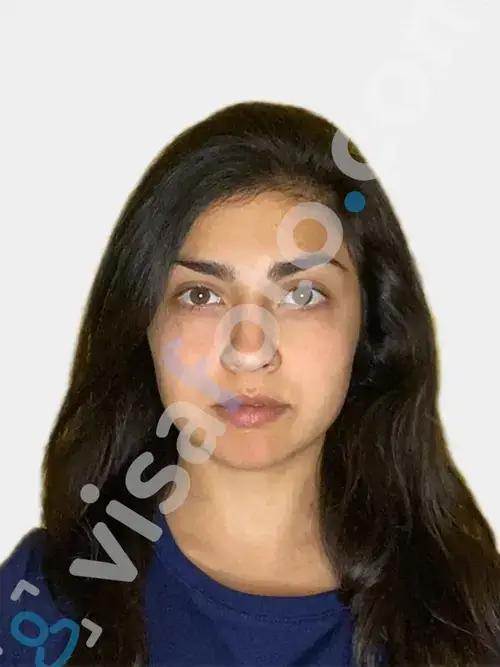
Take a photo with your smartphone or camera and upload it to Visafoto. You do not need a studio or a finished passport-photo background: the service adjusts the background, framing, resolution and colours. Start with a clear photo so your face remains recognisable.
Start with a photo like this:

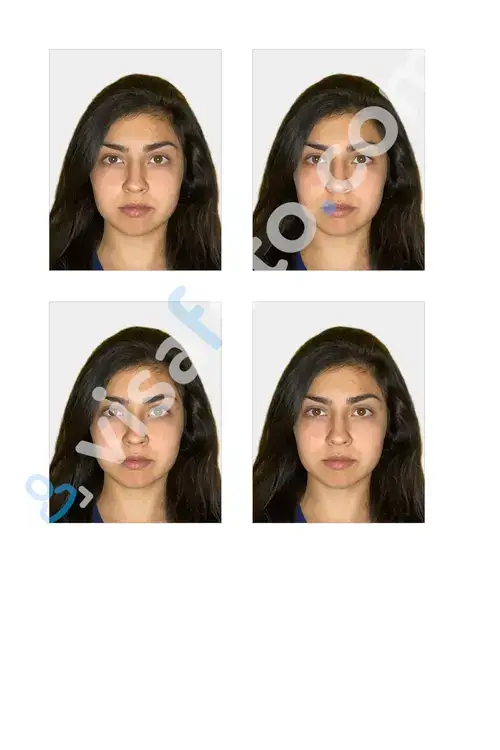
You will receive a digital image and a printable version. Check the digital file against your retailer's upload instructions before submitting it. If you are unhappy with the result, we will replace it free of charge. If officials reject the photo, we offer a full refund.
UK ID photo app
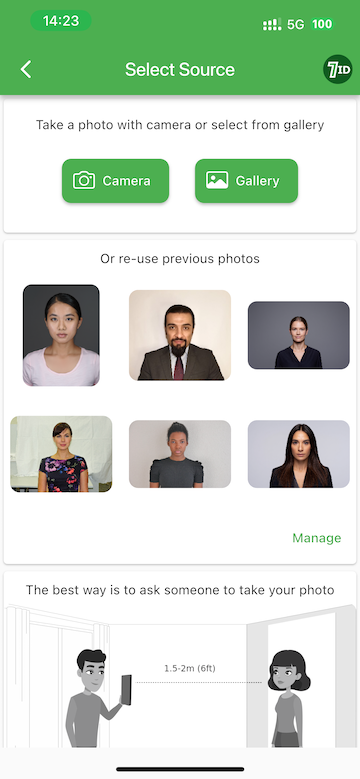
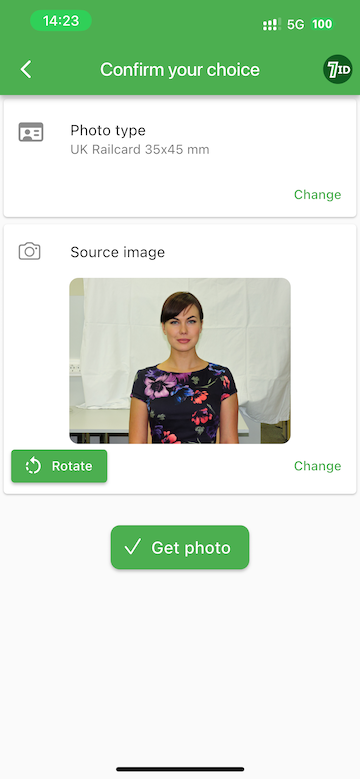
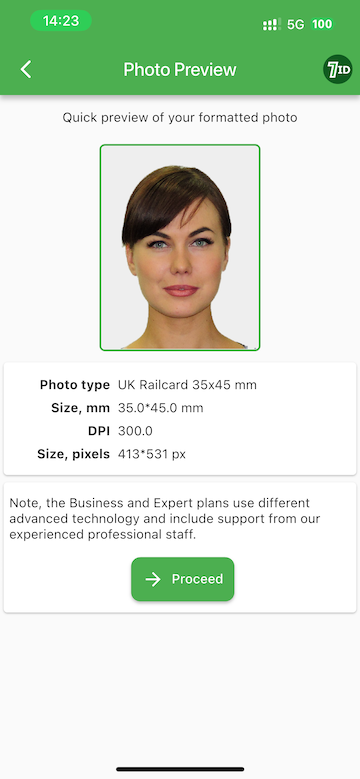
Prefer to prepare your photo on your phone? The 7ID app from Visafoto is available for iPhone and Android and lets you create ID, passport and visa photos.
Upload your photo to 7ID, then select the country and document type. The app adjusts the size, background and positioning of your face. You receive a digital file and a print template for 4 × 6-inch, A4, A5 or B5 paper.
Our technical support team is available 24/7 if you need help.
Railcard prices in 2026
The following prices are listed on the official Railcard savings page, checked on 9 September 2026:
- Most one-year Railcards cost £35.
- Most three-year Railcards cost £80.
- The Railcard savings page lists the Disabled Persons Railcard at £20 for one year and £54 for three years. The National Rail overview lists £24 for one year, so check the price when applying.
How much does a Senior Railcard cost? The prices listed on the Railcard savings page for the main Railcards, including the Senior Railcard, are shown below for 2026:
| Railcard type | One-year price | Three-year price |
|---|---|---|
| 16-17 Saver | £35 | N/A |
| 16-25 Railcard | £35 | £80 |
| 26-30 Railcard | £35 | N/A |
| Two Together Railcard | £35 | N/A |
| Network Railcard | £35 | N/A |
| Family & Friends | £35 | £80 |
| Senior Railcard | £35 | £80 |
| Veterans Railcard | £35 | £80 |
| Disabled Persons | £20 | £54 |
The Senior Railcard costs £35 for one year or £80 for three years in 2026. The 16-25 Railcard is also available to eligible full-time students aged over 25; check its student eligibility requirements before applying.
How to use your Railcard
Select your Railcard when booking eligible tickets online, or tell the ticket-office staff which card you hold. Carry it on every discounted journey, as rail staff may ask to see it alongside your ticket.
- Booking tickets. Enter your journey and passenger details, then select your Railcard before searching. The booking system will apply the discount to eligible fares.
- Collecting tickets. Follow your retailer's collection instructions if you have chosen to collect tickets at the station. Bring your Railcard for the journey.
- Travelling. Keep your physical or digital Railcard available so you can show it with your discounted ticket.
Additional tips:
- Check your card's time restrictions and minimum fares. Some Railcards have a £12 minimum fare before 10 am on weekdays; this is not a rule for every Railcard or journey.
- If you use Oyster in London, check whether your Railcard can be linked for eligible discounts.
- Make sure your Railcard is valid before travelling on a discounted ticket.
Physical vs digital Railcard: what to choose
Physical and digital Railcards offer the same discounts for the same card type. The main difference is how you carry and show them. Where both formats are available, choose the one that suits you.
Digital Railcard:
- A digital Railcard can be used once it has been issued and added to your phone.
- It suits travellers who already use their phone to manage tickets.
- There is no separate card to carry, but you need access to your phone.
- Follow your retailer's online instructions for renewals or replacements.
- You need a compatible smartphone and must be able to display the Railcard when asked.
Physical Railcard:
- A physical card fits in your wallet and does not depend on a phone battery.
- It can suit passengers who do not use a smartphone.
- You can show the card to staff without opening an app.
- Allow time for postal delivery if ordering online, or check whether your card can be issued at a station.
- If it is lost or damaged, you will need to arrange a replacement.
Which to choose?
Choose a digital Railcard if you are comfortable managing your travel on a smartphone.
Choose a physical Railcard if you prefer a separate card or do not use a smartphone for travel. Check the available formats before buying.
FAQ
Can overseas visitors get a UK Railcard?
Yes, if they meet the eligibility requirements. Visitors can check online application options or ask a staffed station ticket office about cards available there.
Do I need a UK address to get a Railcard?
Check the delivery and address requirements for your chosen card and retailer. Physical cards ordered online are not posted overseas. If you do not have a suitable delivery address, check digital options or whether you can buy the card at a station.
Can I use my Railcard on the Underground?
A Railcard is not a Tube ticket. Eligible Railcards can provide discounts on certain Travelcards or off-peak Oyster fares, but the rules depend on the card and ticket. Check before travelling.
Can I change my photo later?
Contact the retailer that issued your Railcard if you need to change your photo. The replacement process and any fee depend on how you bought it:
- Bought online: contact the issuing retailer's support team.
- Bought at a station: ask a staffed ticket office what you need to bring.
How much can I save with a Railcard?
Many Railcards offer a third off eligible fares. The Family & Friends Railcard also offers 60% off eligible children's fares. Your total saving depends on the journeys you make and the restrictions on your card.
Is the Railcard free for seniors?
No. In 2026, the Senior Railcard costs £35 for one year or £80 for three years. It is available from age 60 and offers a third off eligible fares. Compare the cost with your expected savings before buying.
What if my phone battery dies or the Railcard app doesn't load?
You must be able to show your digital Railcard when asked. Before travelling, check that it opens on your phone and that the battery is charged.
- The official Railcard app allows your Railcard on up to two devices. Check other retailers' arrangements separately.
- If you need to add it to another device, follow the instructions in your Railcard account.
- If you cannot display it, speak to staff before travelling about the ticket you need. Buying a ticket elsewhere does not solve the problem of an unavailable Railcard.
See the official guide to adding a Railcard to your phone for activation and device-management instructions.
Can I buy a Railcard at the station?
Some Railcards are sold at staffed station ticket offices in Great Britain. Check that your chosen card is available there and bring the photo and eligibility documents it requires.
Can I use a selfie as my Railcard photo?
Yes, provided it meets your retailer's photo requirements and staff can recognise you. See the photo requirements above for the official 16-25 Railcard upload specifications.
Last updated: 9 September 2026